Important information
Thank you for testing BX. Beta software may contain bugs and there is no warranty for it. A beta may treat launchers and rules differently than the released version, so a backup of your files before using it never hurts. What BX sends is the same in both versions and is described under What does BX send about me?.
Switch it on in the app
The usual way goes through BX itself. Open Settings > Updates and switch on Take part in the beta program. From then on BX offers you beta versions the same way it offers regular updates, and downloading from this page is no longer necessary.
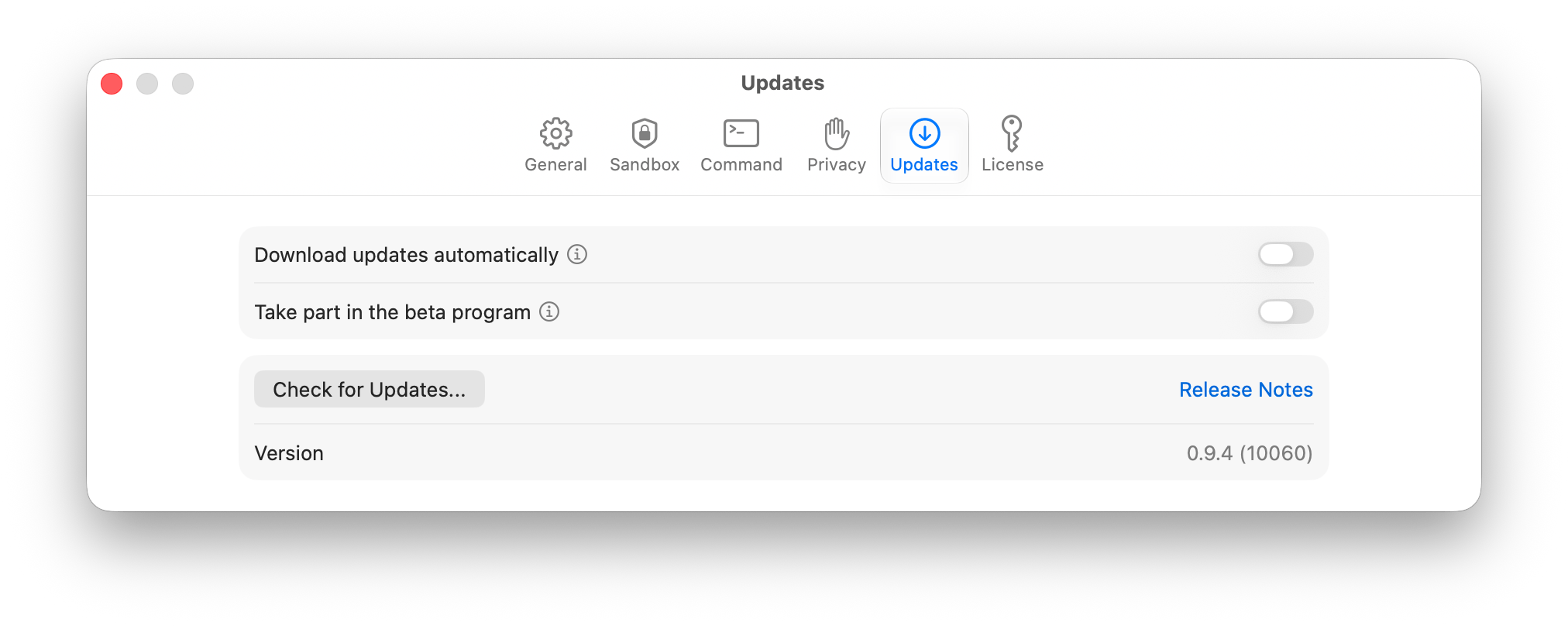
The same switch takes you back. Turn it off and you are offered released versions only again, as soon as their number is above the one of your beta.
Direct download
If you would rather start without the detour through the settings, download the current beta here.
Download BX Beta …
BX works on macOS 26 and 27.
What changed in which beta is listed in the version history.
Feedback
Something does not work the way you expect?
The best way to tell us is from inside the app: Help > Contact Support… in the main menu, and the same dialog opens from Settings > Privacy. That brings along the operating system and the version, and you can attach logs or screenshots. Every attachment can be removed beforehand. Without the app, email works too: support@holtwick.de.
If a tool does not work inside a session, switch on Record denied accesses in the launcher settings first. The list of blocked paths usually says exactly what is missing, and it helps us reproduce the case.
Thank you for helping with the testing.